
Préférences
By clicking “Accept all cookies”, you agree to the storing of cookies on your device to enhance site navigation, analyze site usage, and assist in our marketing efforts, as outlined in our Privacy Policy.


By clicking “Accept all cookies”, you agree to the storing of cookies on your device to enhance site navigation, analyze site usage, and assist in our marketing efforts, as outlined in our Privacy Policy.
February 23rd, 2026
Beyond Encryption: The Metadata Battle.
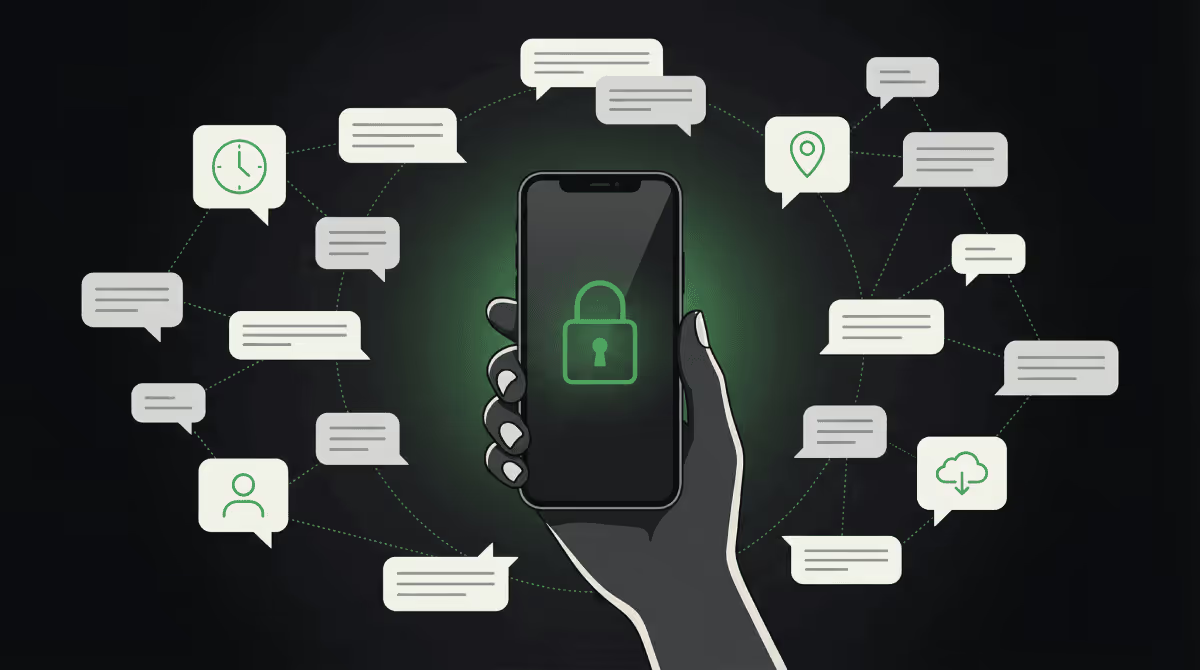
Do you assume that your conversations on WhatsApp — or any other so-called "secure" messaging app — are necessarily private because they're end-to-end encrypted? The reality is that E2EE only protects the content of your messages. In 2026, the blind spot is metadata. It reveals who you contact, when, from where, and how often. And that's often enough to reconstruct habits and relationships, without ever accessing the content itself.
Choosing an app is no longer just about checking the "encryption" box. You need to think in terms of a threat model: who are you protecting yourself against (opportunistic hacking, ad tracking, institutional pressure), and what trade-offs are you willing to accept (simplicity, performance, anonymity)?
In the sections that follow, we'll walk through where the real vulnerabilities lie: automatic backups, the differences between mainstream solutions, anonymity-focused alternatives, emerging threats (post-quantum, censorship, correlation AI) and, above all, the decisive role of your device.
Many people believe that using secure messaging apps in 2026 is enough to protect their privacy. End-to-end encryption does protect the content of your conversations — in theory, only your contact can read what you write. But if your account is linked to a compromised device (a paired PC, for example), the content can be viewed on screen, regardless of the encryption.
That's only part of the problem. Then comes the issue of the now-infamous metadata. This remains visible even when your messages are encrypted. It reveals who you contact, when you do so, and how many times a day. That information builds an accurate picture of your life without anyone reading a single word of your conversations.
Your choice of app should therefore depend on your threat model. Who might want to access your data? What risks are you willing to accept?
Together, we'll look at the risks associated with cloud backups, then compare the main options available. We'll cover so-called "centralized" secure messaging apps, current threats and those still on the horizon. Finally, we'll explain why the security of your device matters just as much as the app itself.
End-to-end encryption protects your messages in transit. But a cloud backup often copies your conversations to a separate storage environment, with its own security rules.
That copy creates a new attack surface. It may be accessible during a device restore, a cross-device sync, or simply stored without the same level of protection as your active messages.
It all comes down to your personal settings. Secure storage requires a conscious configuration — not just enabling backups by default.
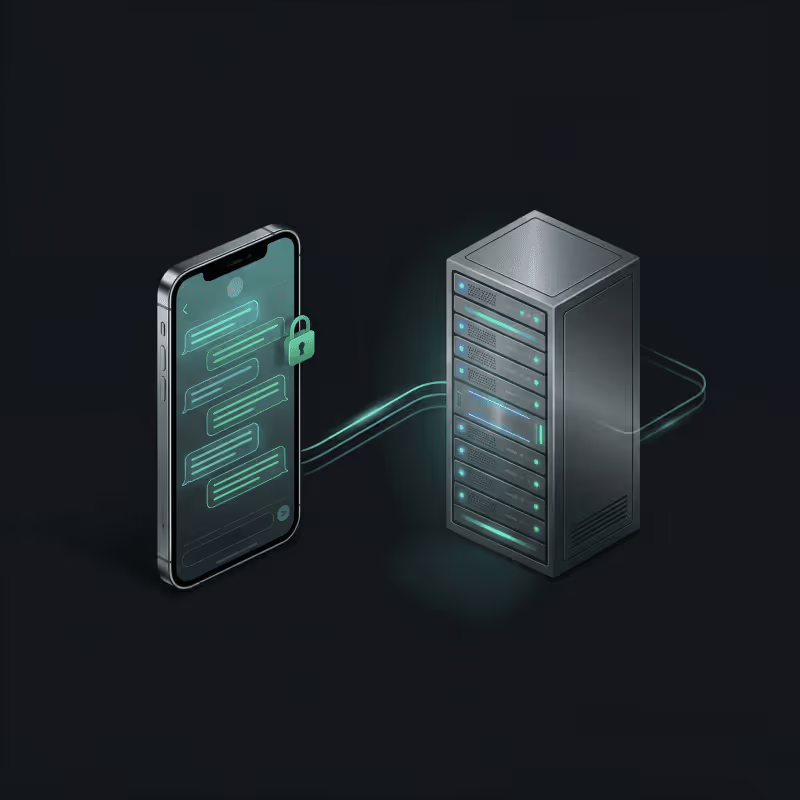
Some very common situations can expose your conversations, even if they were encrypted when sent:
Many people assume that "encrypted" means "protected everywhere." In reality, end-to-end encryption protects content during the exchange, while TLS/SSL protects the connection between your device and a service. Neither one, on its own, guarantees that stored copies (backups) benefit from the same level of protection.
To reduce your exposure, adopt three simple habits: limit, lock, verify.
Limit what gets sent to cloud storage. Encrypt your data before uploading it to services like Proton Drive or kDrive, both of which offer native secure storage.

Lock access to your accounts with strong passcodes and biometrics. Control which notifications appear on your lock screen to prevent visual leaks.
Verify all devices connected to your accounts on a regular basis. The consistency between your phone, tablet, and computer determines your actual level of protection.
To reduce backup-related risks and review your key security settings, take 3 minutes to check these essential points:
All secure messaging apps in 2026 share one thing in common: end-to-end encryption of message content. Yet that technical protection only tells part of the story.
The real issue now lies at the metadata level. This information reveals who you contact, how often, from where, and at what time. Even if no one can read your messages, that data paints a detailed picture of your digital life.
Choosing a secure messaging app in 2026 starts with defining your threat model. Who might want to access your communications? What risks are you willing to accept? What level of technical friction can you realistically tolerate day to day?
The true comparison therefore comes down to very concrete factors: cloud backups, centralization, device security, and metadata — and how WhatsApp, Signal, and Telegram each handle them.

WhatsApp applies end-to-end encryption to all your messages and calls. The content remains private, inaccessible even to the company itself.
However, the app collects usage data tied to your account. It records who you communicate with, when, and how often. Depending on your region, this information may be shared across the Meta ecosystem.
Trust here rests on the infrastructure of a company whose business model depends on targeted advertising. For everyday use without technical constraints, WhatsApp offers minimal friction. For higher privacy needs, other options do a better job of limiting metadata collection.
One important caveat regarding automatic cloud backups (iCloud/Google Drive): if they are not manually encrypted by the user, they create a backdoor that can provide access to your full conversation history.

Many people assume Telegram automatically encrypts all conversations. That's not the case. Only Secret Chats enable end-to-end encryption. Regular conversations and group chats use client-server encryption.
Telegram functions more like a social messaging network. It offers public channels, mass broadcasting, and an interface oriented toward information sharing. This product philosophy prioritizes virality and social features over maximum privacy.
Telegram works well for public broadcasting and community exchanges. It is less suited if your threat model requires default confidentiality across all conversations.

Signal is the technical benchmark for private instant messaging. Its encryption protocol has inspired many other applications, including WhatsApp and E2EE implementations in various services.
The app actively minimizes metadata collection through techniques such as "sealed sender" (see below). That said, Signal requires a phone number as the primary identifier and relies on a centralized infrastructure managed by a single foundation.
Signal is an excellent fit for users seeking high privacy without technical complexity. It is less suited if you need to guarantee full anonymity or avoid dependency on a single service.
* Sealed sender (Signal, 2018): a feature that reduces certain metadata by encrypting sender-related information. It makes it significantly harder to establish with certainty that two specific contacts have exchanged messages.
Beyond message protection, some so-called "decentralized" messaging apps focus primarily on protecting identity, location, and the relationship between contacts. Among the many existing solutions, we highlight three that represent distinctly different approaches.

Session relies on onion routing: traffic passes through multiple relays, reducing direct exposure of your network address. Its main advantage is the absence of a phone number as an identifier.
The trade-offs are familiar: possible latency, occasionally less fluid usability, and a much smaller user base than the mainstream giants. It's an option worth considering when identity dissociation genuinely matters.

SimpleX takes the logic even further: no central account, no public directory, and an architecture designed to make the relationship between two people difficult to observe. It is often described as "zero identity" since the tool avoids the concept of a permanent identifier attached to a person.
In exchange, it may require more rigor in practice (setup, understanding the available options) and it is far from mainstream. For high-level privacy needs, that is precisely the kind of trade-off that can become acceptable.

Projects like Gossip (Massa Labs) are exploring complementary approaches: steganography (making a message difficult to distinguish from an "ordinary" data stream) and post-quantum resistance. In 2026, these are primarily signals worth monitoring — maturity, audits, standardization, and real-world feedback will remain the deciding factors.
If the topic interests you, we'll return to Gossip in a dedicated article to assess what it concretely offers and in which cases it becomes relevant.
Our take on these 3 increasingly talked-about messaging apps:
Moving to this "new guard" means accepting more complexity in exchange for specific benefits: anonymity, identity dissociation, and reduced correlation. The right choice depends on your threat model, your tolerance for friction, and the hygiene of your devices.
Some actors can collect encrypted communications today and store them, with the intention of decrypting them later if new capabilities make it possible. This approach is commonly referred to as "store now, decrypt later" (or "harvest now, decrypt later").
The real question is one of time: will your exchanges still be sensitive in 5, 10, or 20 years (medical, legal, professional)?
Attachments, archives, and cloud backups all increase your exposure. Post-quantum approaches aim to reduce this long-term risk, but their adoption remains gradual.
In certain contexts, access to services can be blocked or restricted. DPI (Deep Packet Inspection) can be used to identify traffic types and enforce policies (blocking, throttling, filtering), even when content is encrypted.
On encrypted traffic, analysis is carried out primarily through connection characteristics and technical signatures rather than content itself.
These restrictions can interrupt service and make usage more visible.
Even without reading your messages, the correlation of signals (frequency, timing, volume, connection patterns) can help map relationships and habits.
Misinterpretations are possible. But when the same signals repeat (timing, frequency, locations) and are confirmed by other indicators, they become far more telling.
Do you need more than a mainstream messaging app?

A "secure" app cannot compensate for a compromised device. If the device is infected, malware can observe what appears on screen, what you type, or access local data. Uncontrolled physical access also remains a major risk.
Encryption protects the exchange, not the environment. If someone can read the screen, access an unlocked phone, or control the operating system, confidentiality collapses — regardless of how good the app is.
The fundamentals make a significant difference: keeping software updated, using a strong passcode, enabling quick lock, restricting app permissions, and keeping notifications discreet on the lock screen. Separating certain uses (work/personal, sensitive/non-sensitive) also reduces your exposure surface without overcomplicating daily life.
OpSec (the discipline of managing behavior to reduce risk) means adapting your setup to your threat model: separate accounts, controlled account recovery options, and, where necessary, a dedicated device for sensitive communications.
No secure messaging app is perfect: your choice depends on what you're trying to protect, against what type of adversary, and the degree of friction you can realistically accept day to day. In 2026, the question is no longer limited to content — metadata and device security carry just as much weight.
For everyday use, Signal remains a solid balance between simplicity and protection. For more demanding privacy needs, SimpleX deserves serious consideration thanks to its "zero identity" approach. Gossip is a promising avenue, but it's better addressed in a dedicated article, with the necessary perspective (maturity, audits, use cases).
We hope this overview has helped clarify the landscape. To wrap up, here are the three questions to ask yourself before choosing your secure messaging app:
AGOP is a Swiss private investigation agency based in Geneva.


.svg)